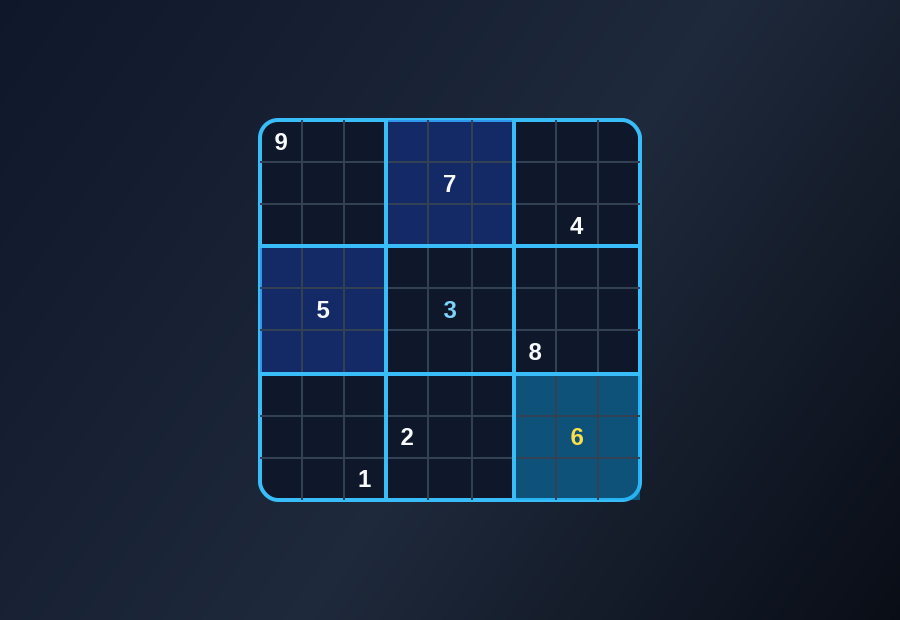
Core Beginner Solving Toolkit
| Technique | What to Look For | Pitfall to Avoid |
|---|---|---|
| Cross-Hatching | Follow high-frequency digits across intersecting rows/columns | Guessing empty corners blindly at move one |
| Full House / Last Digit | Any row, column or box missing just one digit | Scanning only boxes while missing near-full lines |
| Pencil-Mark Notes | Toggle Notes when a digit fits only 2 cells in a box | Trying to memorize multiple branches mentally |
Let Grid Highlights Do the Heavy Lifting
Selecting a cell or digit in SudokuFlow highlights matching numbers and intersecting lines. Click high-count digits first to cross-hatch entire regions in seconds.
Clear Full Houses Before Hunting Hard Patterns
Check every row, column and 3x3 box with seven or eight filled squares; finishing near-complete units often cascades across adjacent areas.
Switch to Notes Mode Early for Locked Pairs
Recording two-candidate pairs in a box exposes hidden row/column blocks immediately, letting you solve tough squares purely by logic instead of guesswork.
Every Clean Puzzle Has a Logical Next Step
Standard Sudoku puzzles never require blind coin flips—whenever progress pauses, re-scan lines where two or three candidates overlap.